Technical SEO
Technical SEO
Technical SEO Checklist for 2026: 30 Checks That Improve Rankings
Technical SEO Checklist for 2026: 30 Checks That Improve Rankings
Use this technical SEO checklist to audit your website. Discover 30 technical SEO best practices for crawling, indexing, speed, Core Web Vitals, and better rankings.

Arjit Jaiswal, SEO Expert
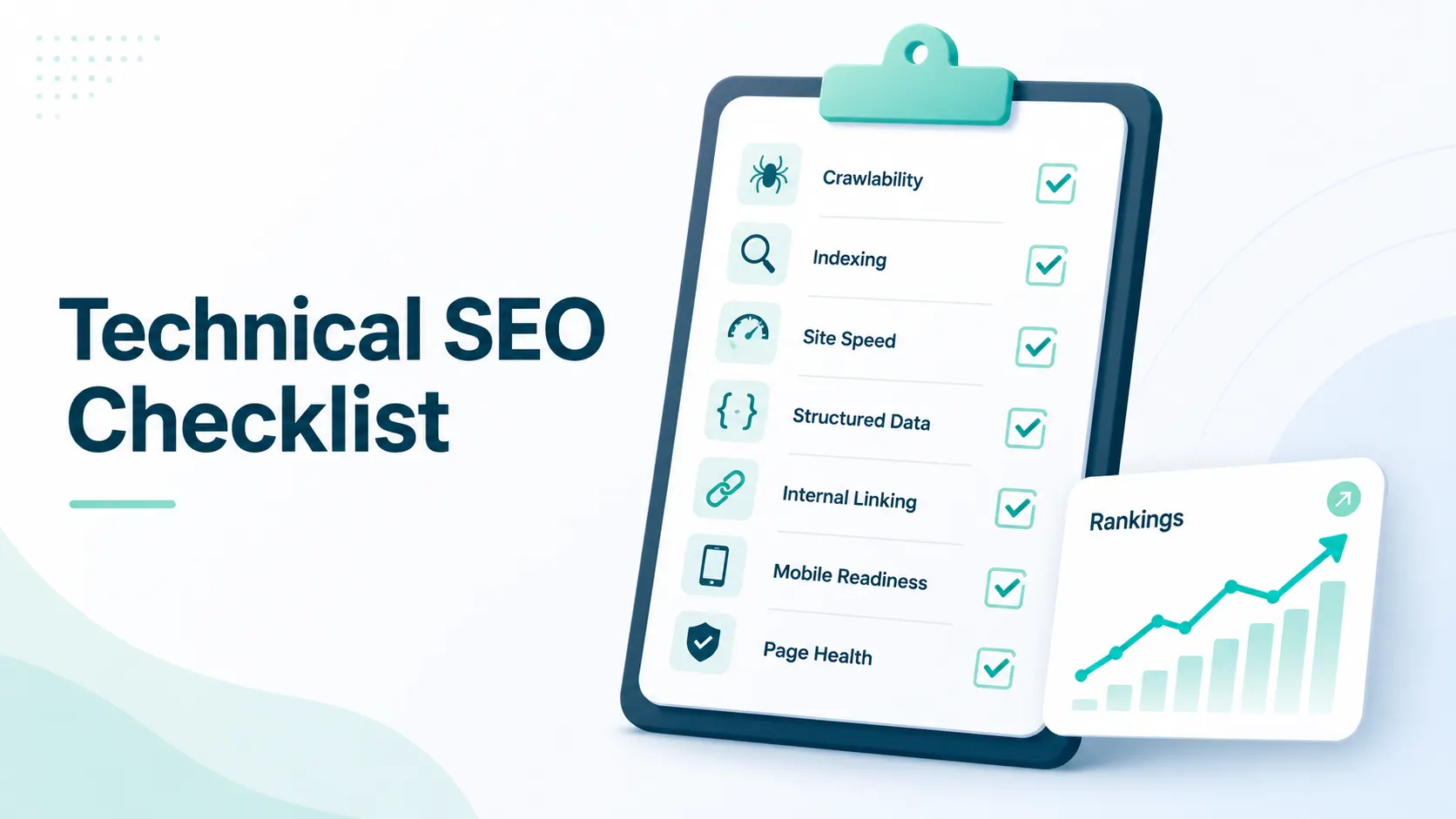
Technical SEO underpins your website’s visibility. Crawling, indexing, redirects, or page performance issues can keep otherwise good content from ranking.
This technical SEO checklist covers 30 checks, from essential fixes to advanced improvements, so you know what to prioritise first.
How to Use This Technical SEO Checklist
Not every technical SEO issue has the same impact. Start with critical issues that can block crawling, indexing, or rankings. Then move to important issues and advanced improvements.
Priority | What to Focus On |
Critical | Fix immediately. These issues can directly affect crawling or indexing. |
Important | Fix within 30 days to improve performance and user experience. |
Advanced | Optimise after the technical foundation is stable. |
Critical Technical SEO Checks
Check these issues first because they can directly affect whether Google can access, understand, and index your website.
1. Check HTTPS
Make sure every page and asset loads over HTTPS. Fix mixed content issues involving images, CSS, JavaScript, or other resources.
2. Check Mobile-First Indexing
Google primarily uses the mobile version of a website for indexing and ranking.
Check that:
Mobile and desktop content are consistent.
Text is easy to read.
Tap targets are large enough.
Important content is not hidden behind intrusive interstitials.
3. Fix Valuable 404 Pages
Find 404 pages in Google Search Console. Redirect valuable URLs with backlinks or useful internal links to the most relevant live page.
Remove or fix internal links pointing to unnecessary 404 URLs.
4. Check robots.txt
Make sure robots.txt does not accidentally block important sections of your website.
Pay particular attention to:
Disallow: /
Important CSS and JavaScript files
Important page directories
5. Keep the XML Sitemap Clean
Your XML sitemap should contain only indexable URLs.
Exclude:
Noindex pages
404 pages
Redirect URLs
Unnecessary paginated URLs
Submit the sitemap through Google Search Console.
6. Remove Redirect Chains
Avoid situations where:
Page A → Page B → Page C
Instead, redirect Page A directly to Page C.
This reduces unnecessary hops and makes crawling more efficient.
7. Check Canonical Tags
Use self-referencing canonical tags on important pages and point duplicate or near-duplicate URLs to the preferred version.
Check common variations such as:
HTTP vs HTTPS
www vs non-www
Trailing slashes
URL parameters
8. Check Core Web Vitals
Monitor the three Core Web Vitals:
Metric | Good Score |
LCP | Under 2.5 seconds |
INP | Under 200 ms |
CLS | Under 0.1 |
Common fixes include image optimisation, better caching, specifying image dimensions, and reducing layout shifts.
Crawling vs Indexing: What Is the Difference?
Crawling and indexing are different processes.
Crawling means Google accesses a URL. Indexing means Google decides whether that page should be stored and shown in search results.
So, a page being crawled does not guarantee that it will be indexed.
If Google Search Console shows an “Indexed, though blocked by robots.txt” or similar access issue, use the URL Inspection tool to check what Googlebot can actually access.
Does Crawl Budget Matter for Every Website?
Usually, no.
Google has indicated that crawl budget becomes a meaningful concern mainly for very large websites, such as sites with around 1 million unique pages updated weekly or 10,000 pages changing daily.
For most small and mid-sized websites, focus first on:
Indexability
Internal linking
Content quality
Duplicate URLs
Server performance
Do Not Serve Separate Markdown Pages to AI Crawlers
Some websites have started serving separate Markdown versions of pages to AI crawlers such as GPTBot and ClaudeBot.
This is not recommended.
Google and Microsoft have both pushed back against this approach because search engines can process standard HTML and may crawl both versions to check whether the content matches. Serving significantly different content to bots and users can also create cloaking risks.
The better approach: use clean, semantic HTML that works for users, search engines, and AI crawlers.
Important Technical SEO Checks
These issues may not completely block rankings, but they can affect performance, crawling, indexation, and user experience.
9. Improve Page Speed
Compress images.
Use WebP where appropriate.
Enable Gzip or Brotli.
Minify CSS and JavaScript.
Use browser caching.
10. Add Relevant Structured Data
Use schema markup where it accurately represents the page, such as:
Article or BlogPosting
Product
BreadcrumbList
FAQ where eligible
Schema does not directly improve rankings, but eligible rich results can improve search visibility and CTR.
11. Audit Internal Links
Check for:
Broken internal links
Orphan pages
Unnecessary redirects
Important pages with very few internal links
12. Fix Duplicate Content
Identify duplicate and near-duplicate pages created by:
Tags
Filters
Search pages
URL parameters
CMS archives
Use canonical or noindex where appropriate.
13. Keep Important Pages Close to the Homepage
Important pages should ideally be reachable within 2 to 3 clicks from the homepage through a logical site structure.
14. Review Server Logs
Server logs can show:
Which URLs Googlebot crawls
How often they are crawled
Whether low-value pages receive excessive crawl activity
Use this information to improve internal linking and crawl controls where needed.
15. Keep URLs Clean
Use short, descriptive URLs with clear words separated by hyphens.
Avoid unnecessary parameters and complicated URL structures.
If a URL changes, redirect the old URL to the new one.
16. Implement Hreflang Correctly
For multilingual or multi-country websites, use hreflang to help Google understand which version should appear for each audience.
17. Check JavaScript Rendering
For React, Vue, Angular, and other JavaScript-heavy websites, use Google Search Console’s URL Inspection tool to confirm that Google can see the important content.
18. Handle Pagination Properly
Do not automatically noindex useful paginated pages.
Make sure paginated pages are crawlable and contain unique content where appropriate.
Advanced Technical SEO Checks
Once the core technical issues are fixed, move to these additional improvements.
Check | What to Do |
19. HTTP/2 or HTTP/3 | Use modern protocols to improve resource loading. |
20. Critical CSS | Load essential above-the-fold CSS first. |
21. Lazy-load images | Defer offscreen images to improve initial loading. |
22. Preconnect | Preconnect to important third-party domains. |
23. Security headers | Implement appropriate security headers. |
24. Internal search pages | Keep thin internal search results out of the index. |
25. Unused media | Remove unnecessary images and PDFs. |
26. Monitor status codes | Monitor 4xx and 5xx errors regularly. |
27. International targeting | Configure geographic targeting where relevant. |
28. Optimise fonts | Use efficient font loading and font-display: swap. |
29. Validate schema | Test structured data after major CMS or template changes. |
30. Run regular crawls | Use Screaming Frog or another crawler to find technical issues before they grow. |
Technical SEO Tools You Should Use
You do not need dozens of tools to run a technical SEO audit. A small, reliable stack can cover most requirements.
Tool | Best For |
Google Search Console | Indexing, coverage, Core Web Vitals, sitemaps, URL inspection |
PageSpeed Insights | Page performance and Core Web Vitals |
Screaming Frog | Technical SEO crawling and site audits |
Ahrefs / Semrush | Ongoing site health and issue monitoring |
For larger websites, continuous monitoring can help identify technical problems between full audits.
Wrapping Up
Technical SEO is not a one-time task. Websites change constantly, and new issues can appear after redesigns, CMS updates, migrations, or content changes.
Start with the 8 critical technical SEO checks, then work through the important and advanced checks regularly. The goal is simple: make sure search engines can crawl, understand, index, and efficiently access your most valuable pages.
Once the technical foundation is strong, you can focus on the next layer of organic visibility. For AI search specifically, see our guide on how to rank in Google AI Overviews.
Technical SEO underpins your website’s visibility. Crawling, indexing, redirects, or page performance issues can keep otherwise good content from ranking.
This technical SEO checklist covers 30 checks, from essential fixes to advanced improvements, so you know what to prioritise first.
How to Use This Technical SEO Checklist
Not every technical SEO issue has the same impact. Start with critical issues that can block crawling, indexing, or rankings. Then move to important issues and advanced improvements.
Priority | What to Focus On |
Critical | Fix immediately. These issues can directly affect crawling or indexing. |
Important | Fix within 30 days to improve performance and user experience. |
Advanced | Optimise after the technical foundation is stable. |
Critical Technical SEO Checks
Check these issues first because they can directly affect whether Google can access, understand, and index your website.
1. Check HTTPS
Make sure every page and asset loads over HTTPS. Fix mixed content issues involving images, CSS, JavaScript, or other resources.
2. Check Mobile-First Indexing
Google primarily uses the mobile version of a website for indexing and ranking.
Check that:
Mobile and desktop content are consistent.
Text is easy to read.
Tap targets are large enough.
Important content is not hidden behind intrusive interstitials.
3. Fix Valuable 404 Pages
Find 404 pages in Google Search Console. Redirect valuable URLs with backlinks or useful internal links to the most relevant live page.
Remove or fix internal links pointing to unnecessary 404 URLs.
4. Check robots.txt
Make sure robots.txt does not accidentally block important sections of your website.
Pay particular attention to:
Disallow: /
Important CSS and JavaScript files
Important page directories
5. Keep the XML Sitemap Clean
Your XML sitemap should contain only indexable URLs.
Exclude:
Noindex pages
404 pages
Redirect URLs
Unnecessary paginated URLs
Submit the sitemap through Google Search Console.
6. Remove Redirect Chains
Avoid situations where:
Page A → Page B → Page C
Instead, redirect Page A directly to Page C.
This reduces unnecessary hops and makes crawling more efficient.
7. Check Canonical Tags
Use self-referencing canonical tags on important pages and point duplicate or near-duplicate URLs to the preferred version.
Check common variations such as:
HTTP vs HTTPS
www vs non-www
Trailing slashes
URL parameters
8. Check Core Web Vitals
Monitor the three Core Web Vitals:
Metric | Good Score |
LCP | Under 2.5 seconds |
INP | Under 200 ms |
CLS | Under 0.1 |
Common fixes include image optimisation, better caching, specifying image dimensions, and reducing layout shifts.
Crawling vs Indexing: What Is the Difference?
Crawling and indexing are different processes.
Crawling means Google accesses a URL. Indexing means Google decides whether that page should be stored and shown in search results.
So, a page being crawled does not guarantee that it will be indexed.
If Google Search Console shows an “Indexed, though blocked by robots.txt” or similar access issue, use the URL Inspection tool to check what Googlebot can actually access.
Does Crawl Budget Matter for Every Website?
Usually, no.
Google has indicated that crawl budget becomes a meaningful concern mainly for very large websites, such as sites with around 1 million unique pages updated weekly or 10,000 pages changing daily.
For most small and mid-sized websites, focus first on:
Indexability
Internal linking
Content quality
Duplicate URLs
Server performance
Do Not Serve Separate Markdown Pages to AI Crawlers
Some websites have started serving separate Markdown versions of pages to AI crawlers such as GPTBot and ClaudeBot.
This is not recommended.
Google and Microsoft have both pushed back against this approach because search engines can process standard HTML and may crawl both versions to check whether the content matches. Serving significantly different content to bots and users can also create cloaking risks.
The better approach: use clean, semantic HTML that works for users, search engines, and AI crawlers.
Important Technical SEO Checks
These issues may not completely block rankings, but they can affect performance, crawling, indexation, and user experience.
9. Improve Page Speed
Compress images.
Use WebP where appropriate.
Enable Gzip or Brotli.
Minify CSS and JavaScript.
Use browser caching.
10. Add Relevant Structured Data
Use schema markup where it accurately represents the page, such as:
Article or BlogPosting
Product
BreadcrumbList
FAQ where eligible
Schema does not directly improve rankings, but eligible rich results can improve search visibility and CTR.
11. Audit Internal Links
Check for:
Broken internal links
Orphan pages
Unnecessary redirects
Important pages with very few internal links
12. Fix Duplicate Content
Identify duplicate and near-duplicate pages created by:
Tags
Filters
Search pages
URL parameters
CMS archives
Use canonical or noindex where appropriate.
13. Keep Important Pages Close to the Homepage
Important pages should ideally be reachable within 2 to 3 clicks from the homepage through a logical site structure.
14. Review Server Logs
Server logs can show:
Which URLs Googlebot crawls
How often they are crawled
Whether low-value pages receive excessive crawl activity
Use this information to improve internal linking and crawl controls where needed.
15. Keep URLs Clean
Use short, descriptive URLs with clear words separated by hyphens.
Avoid unnecessary parameters and complicated URL structures.
If a URL changes, redirect the old URL to the new one.
16. Implement Hreflang Correctly
For multilingual or multi-country websites, use hreflang to help Google understand which version should appear for each audience.
17. Check JavaScript Rendering
For React, Vue, Angular, and other JavaScript-heavy websites, use Google Search Console’s URL Inspection tool to confirm that Google can see the important content.
18. Handle Pagination Properly
Do not automatically noindex useful paginated pages.
Make sure paginated pages are crawlable and contain unique content where appropriate.
Advanced Technical SEO Checks
Once the core technical issues are fixed, move to these additional improvements.
Check | What to Do |
19. HTTP/2 or HTTP/3 | Use modern protocols to improve resource loading. |
20. Critical CSS | Load essential above-the-fold CSS first. |
21. Lazy-load images | Defer offscreen images to improve initial loading. |
22. Preconnect | Preconnect to important third-party domains. |
23. Security headers | Implement appropriate security headers. |
24. Internal search pages | Keep thin internal search results out of the index. |
25. Unused media | Remove unnecessary images and PDFs. |
26. Monitor status codes | Monitor 4xx and 5xx errors regularly. |
27. International targeting | Configure geographic targeting where relevant. |
28. Optimise fonts | Use efficient font loading and font-display: swap. |
29. Validate schema | Test structured data after major CMS or template changes. |
30. Run regular crawls | Use Screaming Frog or another crawler to find technical issues before they grow. |
Technical SEO Tools You Should Use
You do not need dozens of tools to run a technical SEO audit. A small, reliable stack can cover most requirements.
Tool | Best For |
Google Search Console | Indexing, coverage, Core Web Vitals, sitemaps, URL inspection |
PageSpeed Insights | Page performance and Core Web Vitals |
Screaming Frog | Technical SEO crawling and site audits |
Ahrefs / Semrush | Ongoing site health and issue monitoring |
For larger websites, continuous monitoring can help identify technical problems between full audits.
Wrapping Up
Technical SEO is not a one-time task. Websites change constantly, and new issues can appear after redesigns, CMS updates, migrations, or content changes.
Start with the 8 critical technical SEO checks, then work through the important and advanced checks regularly. The goal is simple: make sure search engines can crawl, understand, index, and efficiently access your most valuable pages.
Once the technical foundation is strong, you can focus on the next layer of organic visibility. For AI search specifically, see our guide on how to rank in Google AI Overviews.
Frequently Asked Questions
Frequently Asked Questions
What are the current Core Web Vitals thresholds?
The current good thresholds are LCP under 2.5 seconds, INP under 200 ms, and CLS under 0.1.
Does crawl budget matter for a small website?
Usually not. Most small and mid-sized websites should focus on crawlability, indexability, internal linking, and content quality before worrying about crawl budget.
How often should I run a technical SEO audit?
A full technical SEO crawl every 3 months is a reasonable baseline. Run an additional audit after major changes such as a redesign, migration, or URL restructuring.
Does schema markup improve rankings?
Schema is not a direct ranking factor. However, eligible structured data can help pages qualify for rich search results and improve visibility and CTR.
Related Articles
Related Articles
How to Track Salesforce AppExchange Rankings and Improve Your App’s Visibility
Track your AppExchange rankings, identify keyword opportunities, and optimize your Salesforce listing to improve marketplace visibility, attract qualified buyers, and drive more installs.

Ashish Kamathi, SEO Expert
How to Add Social Media to Google Search Console and Track Their Performance
Learn how Google Search Console handles social media, what platform properties can track, and how to measure social performance alongside your website's organic search data.

Shraddha Thuwal
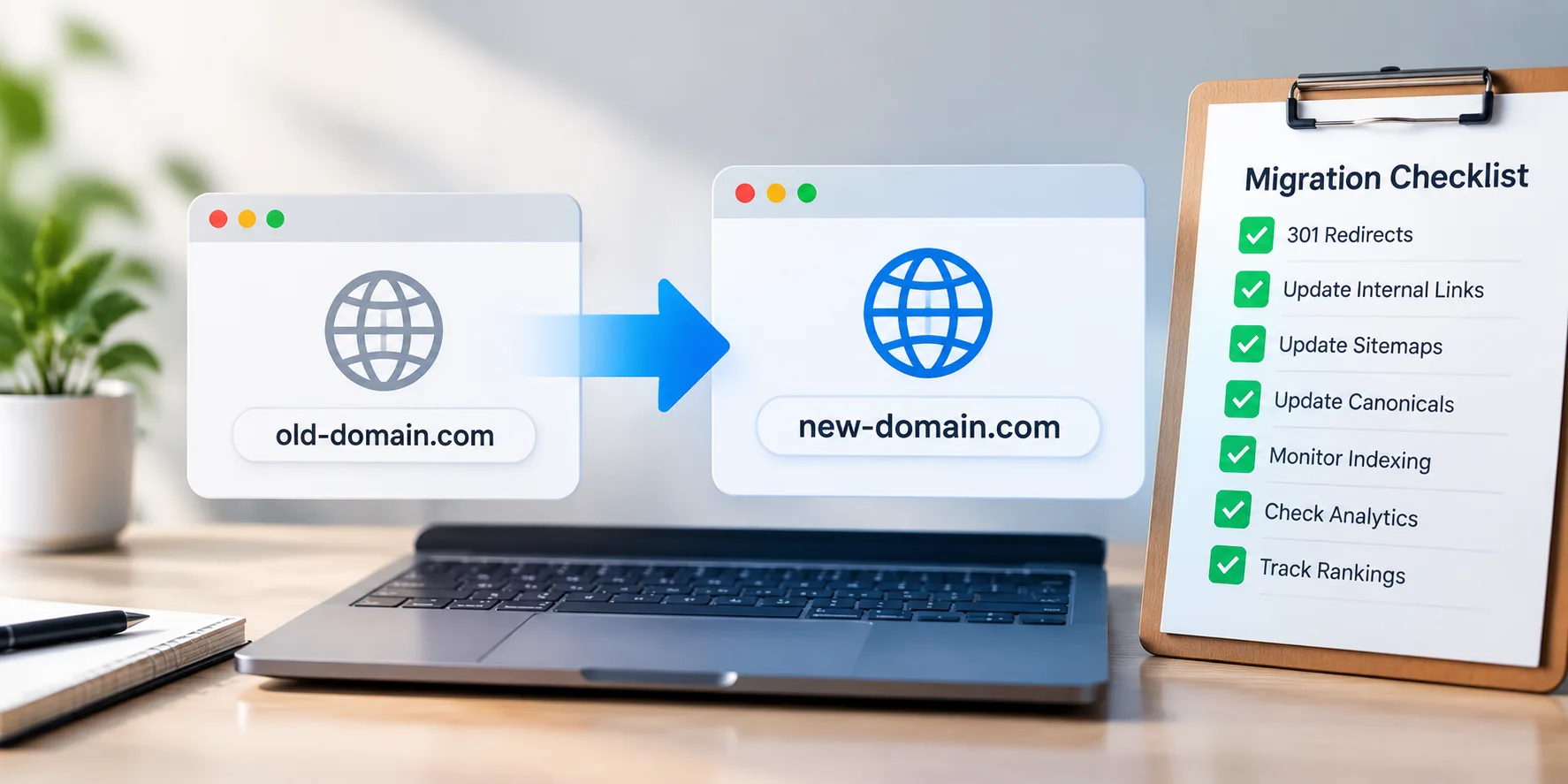
Domain Migration Checklist: A Step-by-Step Guide to Protect Rankings and Traffic
A successful domain migration requires careful SEO planning. Follow this checklist to manage redirects, preserve rankings, protect traffic, and avoid common migration issues.
Shraddha Thuwal
How to Track Salesforce AppExchange Rankings and Improve Your App’s Visibility
Track your AppExchange rankings, identify keyword opportunities, and optimize your Salesforce listing to improve marketplace visibility, attract qualified buyers, and drive more installs.
Ashish Kamathi, SEO Expert
How to Add Social Media to Google Search Console and Track Their Performance
Learn how Google Search Console handles social media, what platform properties can track, and how to measure social performance alongside your website's organic search data.
Shraddha Thuwal
Get Visibility, Everywhere



























Just drop us your email and we’ll reach out
Get Visibility, Everywhere
Just drop us your email and we’ll reach out
Get Visibility, Everywhere
Just drop us your email and we’ll reach out
Our weekly newsletter contains insights from strategies we use for our clients. We don’t spam.
Copyright © 2026 Vryse
Our weekly newsletter contains insights from strategies we use for our clients. We don’t spam.
Copyright © 2026 Vryse