Content Strategy
Content Strategy
How to Track Salesforce AppExchange Rankings and Improve Your App’s Visibility
How to Track Salesforce AppExchange Rankings and Improve Your App’s Visibility
Track your AppExchange rankings, identify keyword opportunities, and optimize your Salesforce listing to improve marketplace visibility, attract qualified buyers, and drive more installs.

Ashish Kamathi, SEO Expert
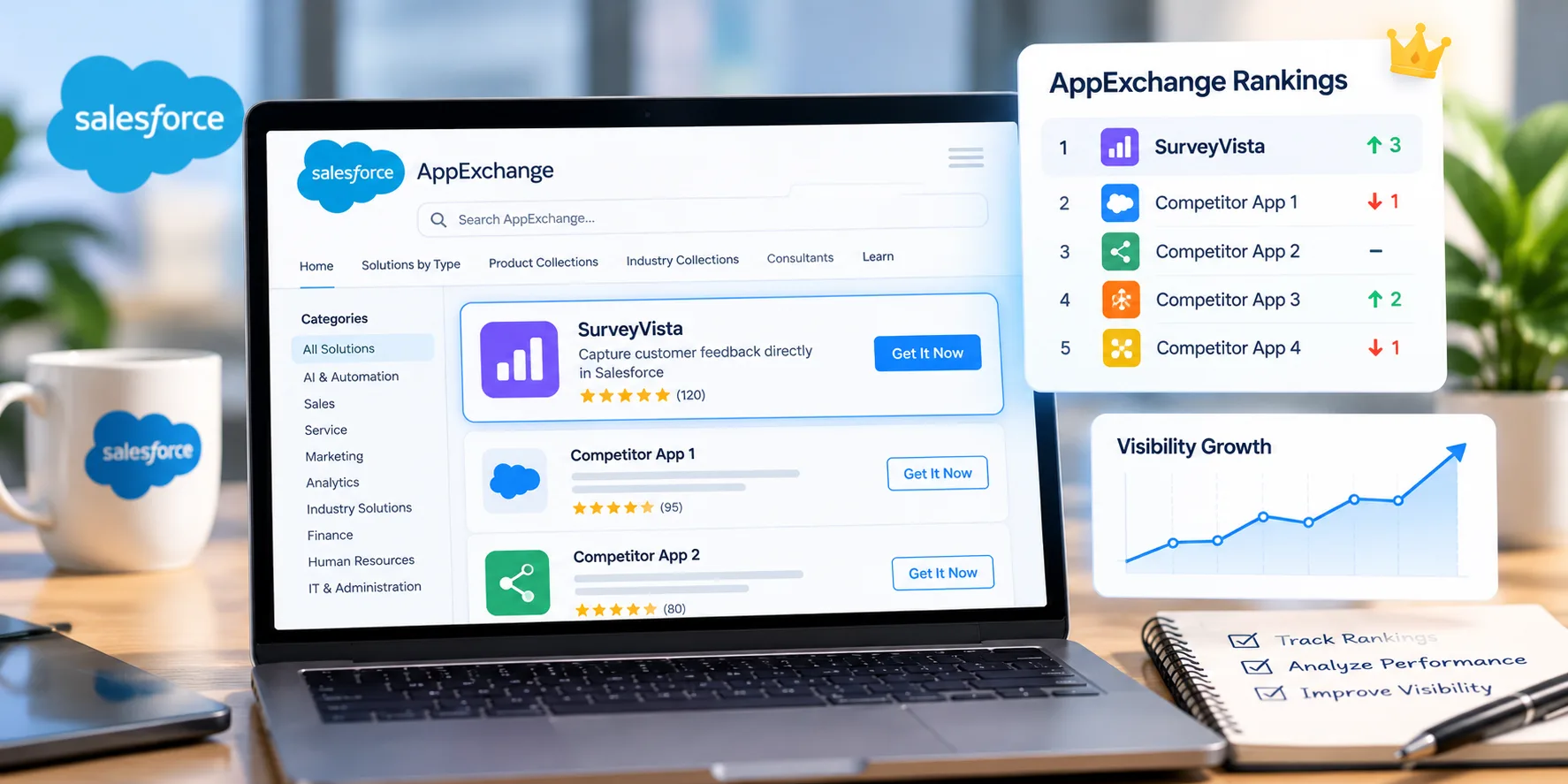
AppExchange rank tracking helps Salesforce app developers check where their listings appear in search results. It also helps them find keyword opportunities and improve visibility. Salesforce AppExchange ranking depends on keyword relevance, semantic meaning, and trust score. By checking search activity, listing visits, and installs, developers can see what brings people to their listings and where they’re losing potential customers.
Key Takeaways
AppExchange rank tracking helps developers see where their apps appear in search results and spot changes in visibility.
Salesforce AppExchange ranking depends on keyword relevance, semantic meaning, and trust score.
AppExchange keyword tracking helps identify relevant searches and opportunities to improve discovery.
AppExchange listing optimization requires a clear title, relevant keywords, useful product details, and accurate descriptions.
To understand how to rank higher on AppExchange, combine keyword research, listing improvements, and performance analysis.
AppExchange SEO should address marketplace discovery separately from external website search.
What Is AppExchange Rank Tracking?
AppExchange rank tracking is the process of monitoring where your app appears for relevant searches on Salesforce AppExchange. It helps independent software vendors (ISVs) understand whether potential customers can discover their solutions when searching for specific features, integrations, and business problems.
For example, an invoice automation app should target searches related to invoice processing and accounts payable. Tracking these terms helps developers spot gaps and see whether listing changes improve visibility.
But AppExchange rank tracking involves more than search positions. Listing visits, lead events, and installs show whether people are interested in the app and take action.
What Determines Salesforce AppExchange Ranking?
Salesforce AppExchange ranking depends on how well your listing matches customer searches and establishes trust. Three factors shape your Salesforce AppExchange ranking:
Keyword relevance: Your listing title, brief description, highlights, and publisher name help AppExchange match your app with relevant searches. You may use terms that reflect your product’s features, integrations, and use cases.
Semantic meaning: AppExchange search considers the intent behind a query, not just exact keyword matches. An app that manages contract workflows may also match searches for contract lifecycle management software. Describe your app in the language your target buyers use.
Trust score: Salesforce uses trust score to help buyers judge an app’s reliability. Keep your listing details accurate and explain what your app does. Give buyers enough information to decide if it meets their needs.
These factors work together. Repeating keywords will not guarantee higher positions. You must focus on relevant content that reflects your app’s capabilities and the needs of your target customers.
How to Evaluate Your AppExchange Visibility Strategy
Review your tracking process against these questions before making changes.
Check whether your target keywords match buyer intent. Focus on searches related to your app’s features, integrations, and use cases.
Compare your listing with competing apps. Look at how they describe their products, present key features, and address customer needs.
Ask which performance metrics the team tracks. Search positions alone do not show whether your listing attracts qualified visitors or generates installs.
Track the impact of listing changes. Record updates to your title, description, and visuals. Compare the results with your past performance to see what has been changed.
Track AppExchange and Google SEO separately. AppExchange rankings measure your listing’s visibility in the marketplace. Google SEO tracks your website’s performance in search results. Each needs its own tracking and optimization approach.
For a broader organic search strategy, read Vryse’s technical SEO checklist to review the website factors that can affect search visibility.
Which Metrics Should You Track Beyond Rankings?
Rankings measure discoverability, but they do not establish whether your listing attracts the right buyers. Combine AppExchange rank tracking with engagement and conversion metrics.
Metric | What it tells you |
Tile views | How often customers view your listing tile |
Listing visits | How many visitors open the listing |
Lead events | How often visitors take tracked actions |
Installs | How many installs occur through tracked sources |
Search terms | Which queries are associated with listing activity, where available |
For example, rising tile views without a corresponding increase in listing visits may indicate that your title or tile presentation needs work. Strong listing visits but few lead events may point to unclear benefits or weak calls to action.
Use these results to improve your AppExchange listing optimization. If traffic is low, you must check whether your keywords match what buyers search for. If people visit but are not taking any action, then you must review your description, screenshots, and next steps.
Do not assume every decline in installs comes from a ranking problem. Product fit, buyer confidence, and the installation experience can also influence results.
How to Rank Higher on AppExchange With Listing Optimization
Strong AppExchange listing optimization helps buyers find your app, understand its value, and assess whether it fits their needs. To learn how to rank higher on AppExchange, focus on five areas:
Listing title: Use your product name and a relevant search term. Keep the title specific to your app’s purpose. Avoid stuffing it with keywords.
Brief description: Tell buyers what your app does and who it helps. Focus on a specific benefit instead of vague claims like “powerful and easy to use.”
Product highlights: List your app’s main features, integrations, and supported workflows. Include relevant search terms only when they fit your product.
Screenshots and demo videos: Show the app in use. Include screenshots of key features and workflows so buyers know what to expect before installing it.
Customer reviews: Ask existing customers to share honest feedback. Address recurring complaints and fix the problems they report. Don’t buy reviews or pressure customers to leave positive ratings.
Listing optimization should also support your website’s organic search strategy. Vryse’s guide to SEO silo structure and internal linking explains how to organise related pages and connect them around relevant topics.
How AppExchange Keyword Tracking Identifies Opportunities
AppExchange keyword tracking helps you identify searches associated with listing activity and find gaps between your target terms and customer behavior.
Start by comparing three groups of keywords:
Target keywords: The target keywords are the terms you deliberately include in your listing.
Discovery keywords: Searches associated with listing activity, where analytics make them available.
Competitor keywords: Relevant searches for which competing apps appear but your listing does not.
Suppose customers search for "Salesforce duplicate record management," but your listing focuses on general data quality. Your description may not communicate the relevant functionality clearly enough.
AppExchange keyword tracking helps you find search terms your listing may be missing. Add only those that relate to your app’s features. After updating the listing, check whether its position changes. Use AppExchange rank tracking alongside keyword research. Keyword research can help you find gaps, but rank tracking shows if the changes you made are improving visibility or not.
AppExchange SEO vs Google SEO
AppExchange SEO and Google SEO share a goal: helping potential customers discover relevant solutions. However, they operate in different search environments and require separate measurement methods.
Area | AppExchange SEO | Google SEO |
Main destination | AppExchange listing | Website pages |
Optimization focus | Listing relevance, descriptions, highlights, and trust | Content, technical health, links, and search intent |
Performance data | Marketplace Analytics | Google Search Console and website analytics |
Main outcome | Marketplace discovery and app adoption | Organic traffic and website conversions |
AppExchange SEO focuses on marketplace discovery, while Google SEO helps your website appear in external search results. A well-optimized marketplace listing does not guarantee higher Google rankings.
Your website can explain how your app solves specific problems and answer customer questions. Your AppExchange listing can focus on the app’s features and benefits. For more on how AI platforms interpret website content, read Vryse’s AI SEO guide.
If your website also attracts Salesforce buyers through organic search, Vryse's technical SEO checklist for 2026 can help your team review crawling, indexing, site speed, and other factors that affect website visibility.
How to Build a Repeatable AppExchange Visibility Process
Review your AppExchange rank tracking data every month to see what’s changing. Use those results to decide what needs attention instead of reacting to every ranking shift. Here’s how you can do it:
Frequency | Action | Purpose |
Weekly | Check priority search terms and competitor listings | Identify visibility changes |
Monthly | Review Marketplace Analytics | Find traffic and conversion gaps |
Monthly | Review AppExchange keyword tracking data | Discover relevant search opportunities |
Quarterly | Audit listing copy, visuals, and product details | Keep the listing accurate |
After major updates | Compare performance against the previous baseline | Assess the impact of changes |
Maintain a simple record of the issue, supporting evidence, change made, and result. This keeps AppExchange rank tracking tied to decisions rather than producing rankings that nobody acts on.
For teams looking to improve visibility across search channels, Vryse provides SEO and AI-search optimization services. Explore the Vryse blog for more guidance on search performance, technical SEO, and content strategy, or contact Vryse to discuss your growth priorities.
AppExchange rank tracking helps Salesforce app developers check where their listings appear in search results. It also helps them find keyword opportunities and improve visibility. Salesforce AppExchange ranking depends on keyword relevance, semantic meaning, and trust score. By checking search activity, listing visits, and installs, developers can see what brings people to their listings and where they’re losing potential customers.
Key Takeaways
AppExchange rank tracking helps developers see where their apps appear in search results and spot changes in visibility.
Salesforce AppExchange ranking depends on keyword relevance, semantic meaning, and trust score.
AppExchange keyword tracking helps identify relevant searches and opportunities to improve discovery.
AppExchange listing optimization requires a clear title, relevant keywords, useful product details, and accurate descriptions.
To understand how to rank higher on AppExchange, combine keyword research, listing improvements, and performance analysis.
AppExchange SEO should address marketplace discovery separately from external website search.
What Is AppExchange Rank Tracking?
AppExchange rank tracking is the process of monitoring where your app appears for relevant searches on Salesforce AppExchange. It helps independent software vendors (ISVs) understand whether potential customers can discover their solutions when searching for specific features, integrations, and business problems.
For example, an invoice automation app should target searches related to invoice processing and accounts payable. Tracking these terms helps developers spot gaps and see whether listing changes improve visibility.
But AppExchange rank tracking involves more than search positions. Listing visits, lead events, and installs show whether people are interested in the app and take action.
What Determines Salesforce AppExchange Ranking?
Salesforce AppExchange ranking depends on how well your listing matches customer searches and establishes trust. Three factors shape your Salesforce AppExchange ranking:
Keyword relevance: Your listing title, brief description, highlights, and publisher name help AppExchange match your app with relevant searches. You may use terms that reflect your product’s features, integrations, and use cases.
Semantic meaning: AppExchange search considers the intent behind a query, not just exact keyword matches. An app that manages contract workflows may also match searches for contract lifecycle management software. Describe your app in the language your target buyers use.
Trust score: Salesforce uses trust score to help buyers judge an app’s reliability. Keep your listing details accurate and explain what your app does. Give buyers enough information to decide if it meets their needs.
These factors work together. Repeating keywords will not guarantee higher positions. You must focus on relevant content that reflects your app’s capabilities and the needs of your target customers.
How to Evaluate Your AppExchange Visibility Strategy
Review your tracking process against these questions before making changes.
Check whether your target keywords match buyer intent. Focus on searches related to your app’s features, integrations, and use cases.
Compare your listing with competing apps. Look at how they describe their products, present key features, and address customer needs.
Ask which performance metrics the team tracks. Search positions alone do not show whether your listing attracts qualified visitors or generates installs.
Track the impact of listing changes. Record updates to your title, description, and visuals. Compare the results with your past performance to see what has been changed.
Track AppExchange and Google SEO separately. AppExchange rankings measure your listing’s visibility in the marketplace. Google SEO tracks your website’s performance in search results. Each needs its own tracking and optimization approach.
For a broader organic search strategy, read Vryse’s technical SEO checklist to review the website factors that can affect search visibility.
Which Metrics Should You Track Beyond Rankings?
Rankings measure discoverability, but they do not establish whether your listing attracts the right buyers. Combine AppExchange rank tracking with engagement and conversion metrics.
Metric | What it tells you |
Tile views | How often customers view your listing tile |
Listing visits | How many visitors open the listing |
Lead events | How often visitors take tracked actions |
Installs | How many installs occur through tracked sources |
Search terms | Which queries are associated with listing activity, where available |
For example, rising tile views without a corresponding increase in listing visits may indicate that your title or tile presentation needs work. Strong listing visits but few lead events may point to unclear benefits or weak calls to action.
Use these results to improve your AppExchange listing optimization. If traffic is low, you must check whether your keywords match what buyers search for. If people visit but are not taking any action, then you must review your description, screenshots, and next steps.
Do not assume every decline in installs comes from a ranking problem. Product fit, buyer confidence, and the installation experience can also influence results.
How to Rank Higher on AppExchange With Listing Optimization
Strong AppExchange listing optimization helps buyers find your app, understand its value, and assess whether it fits their needs. To learn how to rank higher on AppExchange, focus on five areas:
Listing title: Use your product name and a relevant search term. Keep the title specific to your app’s purpose. Avoid stuffing it with keywords.
Brief description: Tell buyers what your app does and who it helps. Focus on a specific benefit instead of vague claims like “powerful and easy to use.”
Product highlights: List your app’s main features, integrations, and supported workflows. Include relevant search terms only when they fit your product.
Screenshots and demo videos: Show the app in use. Include screenshots of key features and workflows so buyers know what to expect before installing it.
Customer reviews: Ask existing customers to share honest feedback. Address recurring complaints and fix the problems they report. Don’t buy reviews or pressure customers to leave positive ratings.
Listing optimization should also support your website’s organic search strategy. Vryse’s guide to SEO silo structure and internal linking explains how to organise related pages and connect them around relevant topics.
How AppExchange Keyword Tracking Identifies Opportunities
AppExchange keyword tracking helps you identify searches associated with listing activity and find gaps between your target terms and customer behavior.
Start by comparing three groups of keywords:
Target keywords: The target keywords are the terms you deliberately include in your listing.
Discovery keywords: Searches associated with listing activity, where analytics make them available.
Competitor keywords: Relevant searches for which competing apps appear but your listing does not.
Suppose customers search for "Salesforce duplicate record management," but your listing focuses on general data quality. Your description may not communicate the relevant functionality clearly enough.
AppExchange keyword tracking helps you find search terms your listing may be missing. Add only those that relate to your app’s features. After updating the listing, check whether its position changes. Use AppExchange rank tracking alongside keyword research. Keyword research can help you find gaps, but rank tracking shows if the changes you made are improving visibility or not.
AppExchange SEO vs Google SEO
AppExchange SEO and Google SEO share a goal: helping potential customers discover relevant solutions. However, they operate in different search environments and require separate measurement methods.
Area | AppExchange SEO | Google SEO |
Main destination | AppExchange listing | Website pages |
Optimization focus | Listing relevance, descriptions, highlights, and trust | Content, technical health, links, and search intent |
Performance data | Marketplace Analytics | Google Search Console and website analytics |
Main outcome | Marketplace discovery and app adoption | Organic traffic and website conversions |
AppExchange SEO focuses on marketplace discovery, while Google SEO helps your website appear in external search results. A well-optimized marketplace listing does not guarantee higher Google rankings.
Your website can explain how your app solves specific problems and answer customer questions. Your AppExchange listing can focus on the app’s features and benefits. For more on how AI platforms interpret website content, read Vryse’s AI SEO guide.
If your website also attracts Salesforce buyers through organic search, Vryse's technical SEO checklist for 2026 can help your team review crawling, indexing, site speed, and other factors that affect website visibility.
How to Build a Repeatable AppExchange Visibility Process
Review your AppExchange rank tracking data every month to see what’s changing. Use those results to decide what needs attention instead of reacting to every ranking shift. Here’s how you can do it:
Frequency | Action | Purpose |
Weekly | Check priority search terms and competitor listings | Identify visibility changes |
Monthly | Review Marketplace Analytics | Find traffic and conversion gaps |
Monthly | Review AppExchange keyword tracking data | Discover relevant search opportunities |
Quarterly | Audit listing copy, visuals, and product details | Keep the listing accurate |
After major updates | Compare performance against the previous baseline | Assess the impact of changes |
Maintain a simple record of the issue, supporting evidence, change made, and result. This keeps AppExchange rank tracking tied to decisions rather than producing rankings that nobody acts on.
For teams looking to improve visibility across search channels, Vryse provides SEO and AI-search optimization services. Explore the Vryse blog for more guidance on search performance, technical SEO, and content strategy, or contact Vryse to discuss your growth priorities.
Frequently Asked Questions
Frequently Asked Questions
Can two Salesforce AppExchange apps rank differently for the same keyword?
Yes. Two apps can show up in different positions for the same search. One might match the search more closely, while the other has a stronger trust score. Look at the listings side by side to see where they differ.
Do AppExchange reviews affect search rankings?
Salesforce considers trust score in AppExchange search results. People also check reviews before installing an app. A high rating won’t automatically move your app up the rankings. Ask users to share their experience honestly, and fix the issues they raise.
Why does my AppExchange listing get views but few installs?
People may visit your listing and leave without installing the app. This often happens when they can’t find basic details, such as pricing, compatibility, or setup steps. Make sure your listing answers these questions and speaks to the people most likely to use your app.
Should I target a low-volume keyword on AppExchange?
Yes, if the keyword matches what your customers need and your app solves that problem. A niche keyword may bring fewer visitors, but those visitors could be more likely to buy. Look at lead quality and product fit, not just search volume.
Related Articles
Related Articles
How to Track Salesforce AppExchange Rankings and Improve Your App’s Visibility
Track your AppExchange rankings, identify keyword opportunities, and optimize your Salesforce listing to improve marketplace visibility, attract qualified buyers, and drive more installs.
Ashish Kamathi, SEO Expert
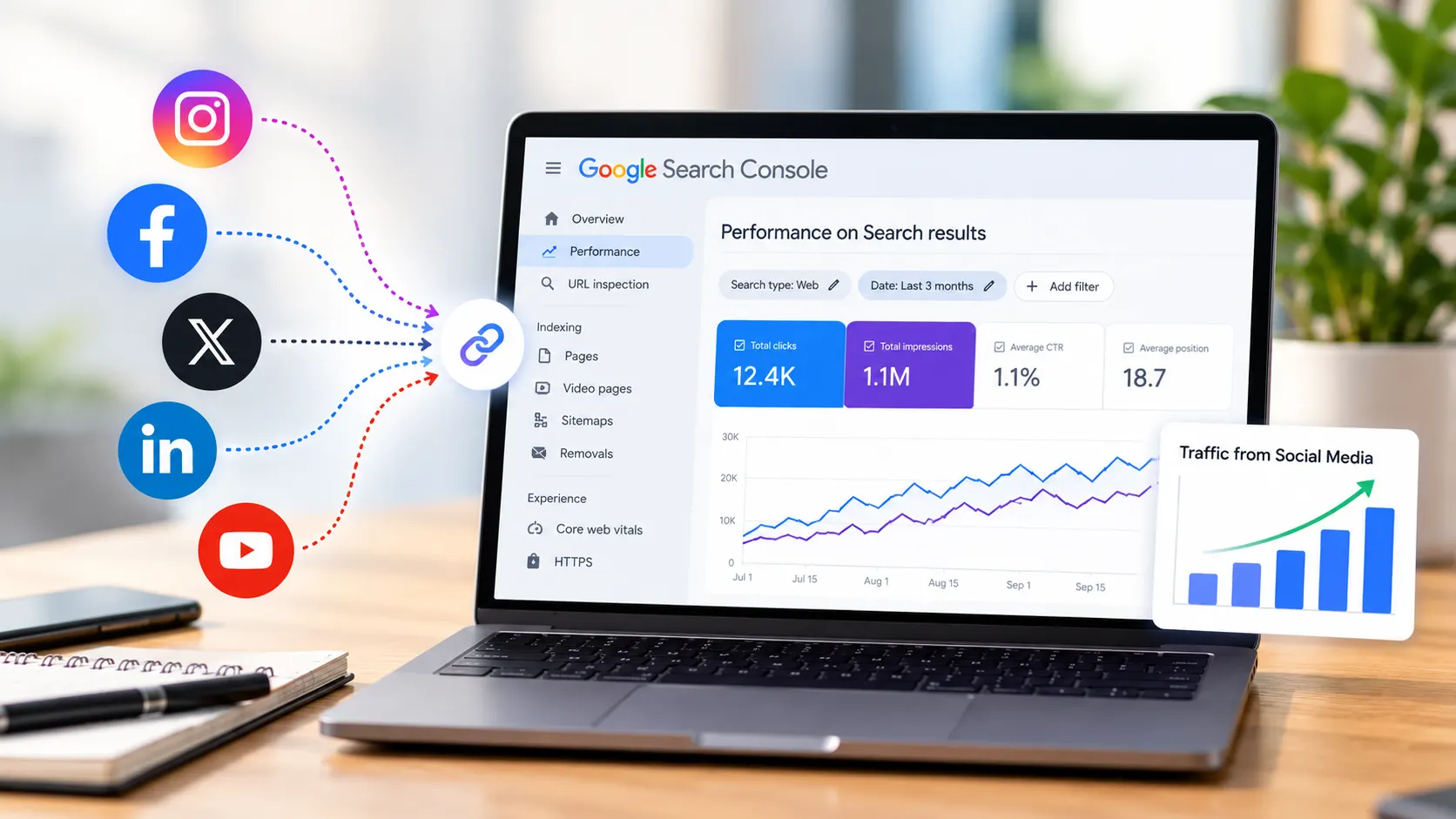
How to Add Social Media to Google Search Console and Track Their Performance
Learn how Google Search Console handles social media, what platform properties can track, and how to measure social performance alongside your website's organic search data.

Shraddha Thuwal
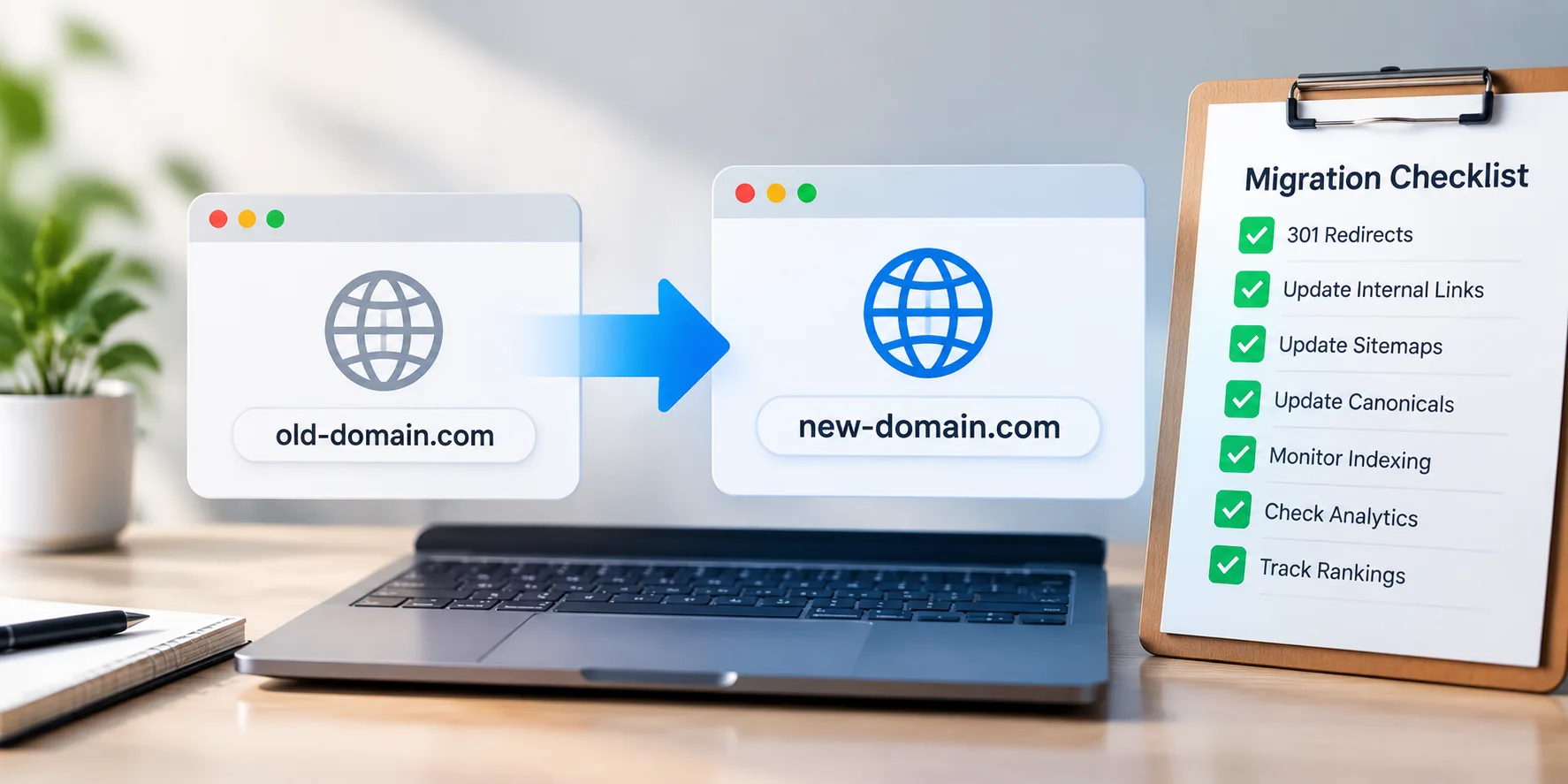
Domain Migration Checklist: A Step-by-Step Guide to Protect Rankings and Traffic
A successful domain migration requires careful SEO planning. Follow this checklist to manage redirects, preserve rankings, protect traffic, and avoid common migration issues.
Shraddha Thuwal
How to Track Salesforce AppExchange Rankings and Improve Your App’s Visibility
Track your AppExchange rankings, identify keyword opportunities, and optimize your Salesforce listing to improve marketplace visibility, attract qualified buyers, and drive more installs.
Ashish Kamathi, SEO Expert
How to Add Social Media to Google Search Console and Track Their Performance
Learn how Google Search Console handles social media, what platform properties can track, and how to measure social performance alongside your website's organic search data.
Shraddha Thuwal
Get Visibility, Everywhere



























Just drop us your email and we’ll reach out
Get Visibility, Everywhere
Just drop us your email and we’ll reach out
Get Visibility, Everywhere
Just drop us your email and we’ll reach out
Our weekly newsletter contains insights from strategies we use for our clients. We don’t spam.
Copyright © 2026 Vryse
Our weekly newsletter contains insights from strategies we use for our clients. We don’t spam.
Copyright © 2026 Vryse